Support GC students today by making your gift to the GC Fund before our fiscal year ends on June 30! goshen.edu/give


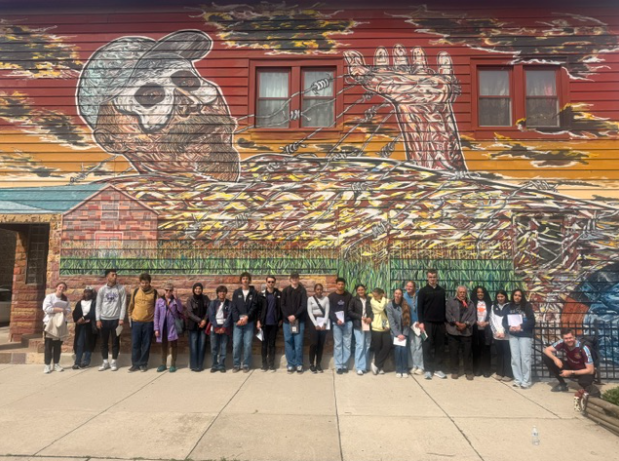
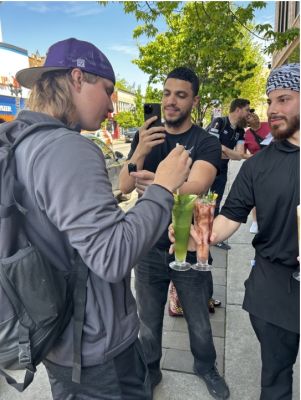
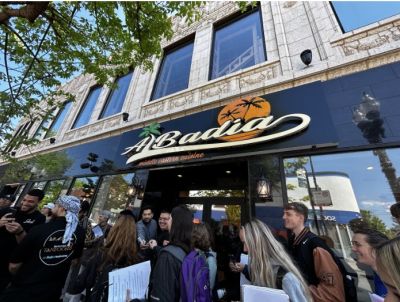
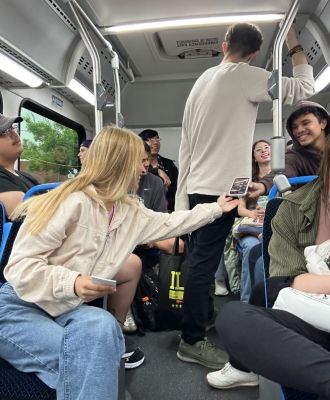 Our first full day in Chicago was a whirlwind! Not only did we learn how to use the public transportation there, but also about various different neighborhoods through a workshop on CHicago’s maps and growth. During the afternoon, we focused on a place known as Little India on Devon Avenue, exploring their religion, food, and clothing.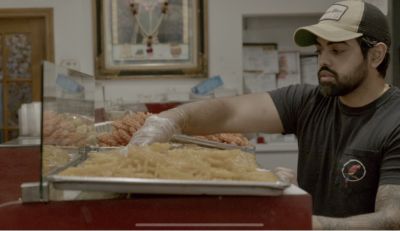
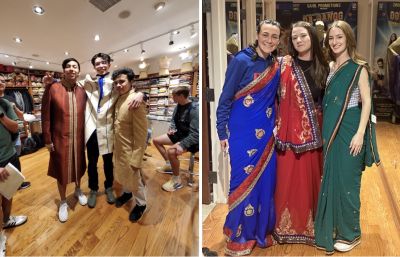 Ranjana took us on a small tour after the mosque and temple, one of the stops that stood out to both Aliah and I was the traditional Indian clothing store. We were shown around the two story building looking at traditional Indian bridal and groom wear. Once we got up to the top floor, they allowed three women and men to volunteer to try on sarees and sherwanis. This part of the tour really showed a theme of intercultural connection, they didn’t need to let us try on traditional clothing but still gave us that space to learn more about their culture. (Kiara)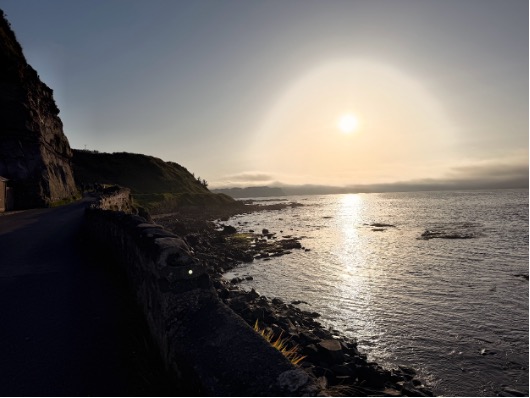
When we first arrived, the cliffside view of the coast reassured us that we were really here! Now on days when we don’t have any other excursions, we’ve settled into Corrymeela’s morning schedule of 8:30 breakfast (which always includes fresh...